
Android app
Get Tally on Android
Install Tally straight from the APK below — it takes under a minute. On a computer? Scan the QR code with your Android phone.
Latest version 1.2.1 · free
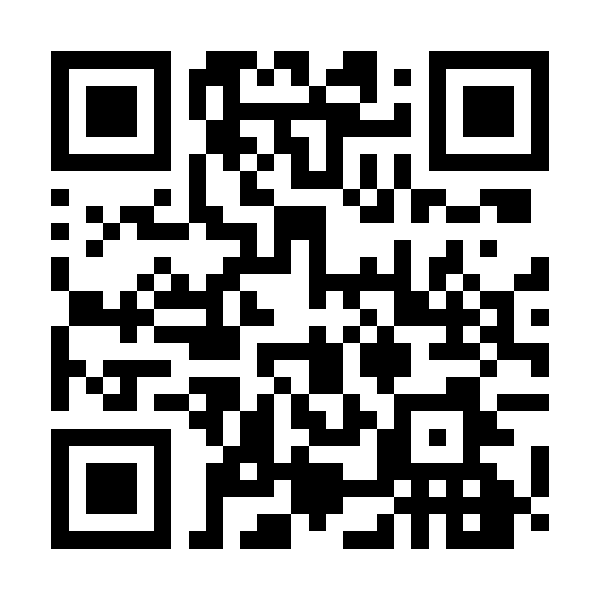 On a computer? Scan with your Android phone
What's new in 1.2.1
- Mono theme: a clean, minimal black-and-white look is now the default. Switch any time in Settings › Theme.
- Receipts on invoices: attach up to 5 receipt photos to an expense, and each one appears on its own page in the invoice PDF.
- Quick merge: combine same-project time entries from a day into a single entry, right from the Timer.
- Feedback with screenshots: show us exactly what you mean when you send feedback.
- Plus reliability, security, and polish improvements throughout.
How to install
- Tap Download for Android above (or scan the QR code on your phone).
- Open the downloaded tally-android.apk file.
- If Android asks, allow installs from this source — it's a one-time prompt for apps outside the Play Store.
- Tap Install, then Open — and start tracking your billable time.
On iPhone or iPad? Get Tally on the App Store. Prefer the browser? Open the web app.